POS and Software Consulting from Selection to Go-Live
We handle the hard part — requirements discovery, system configuration, menu programming, on-site installation, and staff training. You focus on running your business.
What We Do
End-to-end consulting that takes you from "I need a POS" to "my team loves this system."
Requirements Discovery
We learn your workflows, pain points, and goals before recommending anything. No cookie-cutter solutions.
Vendor & Software Selection
Based on your specific needs, we recommend the right Clover configuration and any additional software tools.
Workflow Design
We map your operations to the POS — order flow, payment routing, printer setup, employee permissions, and reporting.
On-Site Training
Your staff gets hands-on training with real scenarios. We stay until everyone is confident with the new system.
Restaurant Expertise
Highly specialized in restaurant consultation — from counter service to full dining rooms.
Menu Programming
Full menu build with modifiers, combos, courses, and special pricing. We get it right so your staff can focus on customers.
Printer & KDS Routing
Orders route to the right kitchen station automatically. Hot food to the grill printer, drinks to the bar, appetizers to prep.
Table Management
For full-service restaurants: table mapping, course firing, split checks, and server sections configured to match your floor plan.
Staff Training
Real-service training with your actual menu. Servers learn on real tabs, bartenders practice split payments, managers run reports.
Our Onboarding Process
A proven 4-phase approach that minimizes disruption and maximizes staff confidence.
Step 1: Pre-Onboarding Planning
We gather your menu details, confirm hardware and network requirements, and align on workflows and timelines. This happens before any equipment arrives.
Step 2: Menu Build & System Configuration
Your full menu is programmed with modifiers, pricing, and tax settings. Printer routing, employee accounts, and reporting are configured.
Step 3: Installation Day & Staff Training
We install on-site and stay for the entire shift. Staff gets hands-on training during real service. Questions are answered in real time.
Step 4: Post-Go-Live Optimization
Within 30 days, we check in for menu tweaks, workflow adjustments, advanced feature training, and performance review.
Recommended Equipment
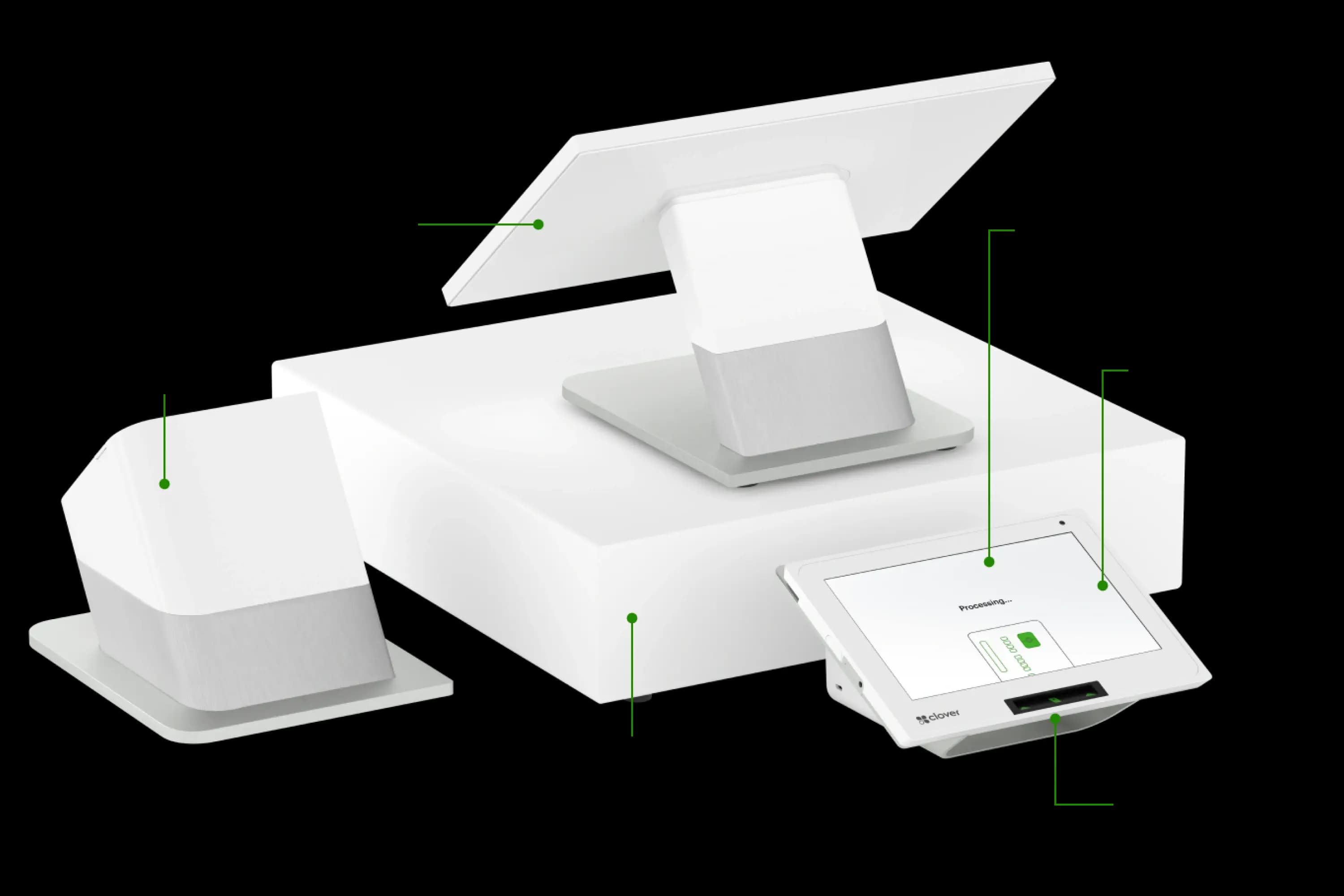
Clover Station Duo
Station Duo
Ideal for
- Full-service restaurants
- Retail stores
- High-volume businesses
Key features
- Dual screens — merchant and customer-facing
- Full menu management with modifiers
- Built-in receipt printer
- Inventory tracking and reporting
- Employee management and time clock
- Accepts all payment types including contactless
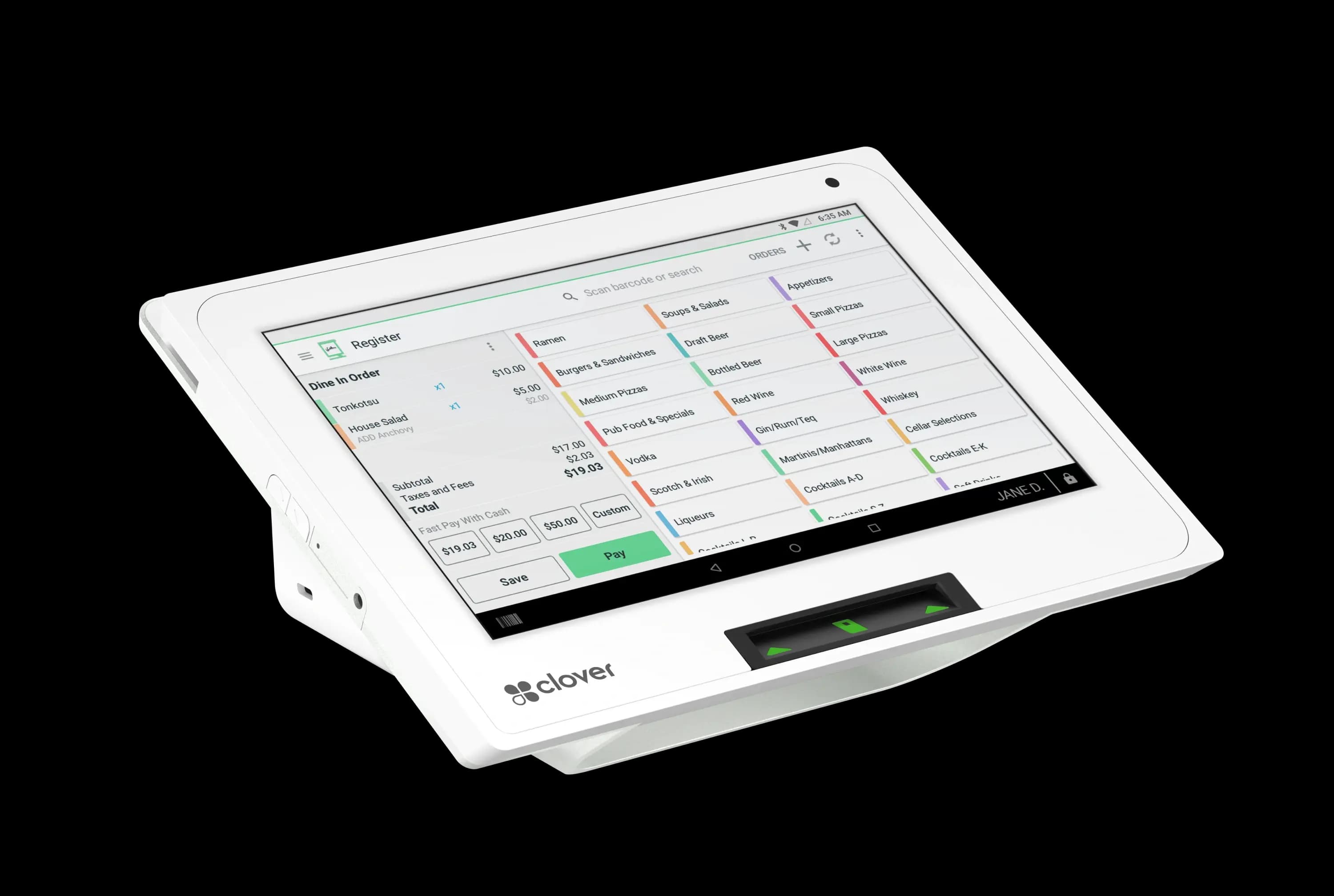
Clover Mini
Mini
Ideal for
- Counter service
- Coffee shops
- Front desk check-in
- Small retail
Key features
- Compact countertop design
- Touchscreen with customer-facing display
- Built-in receipt printer
- Tap, dip, and swipe payments
- Order management and reporting
- Perfect for limited counter space
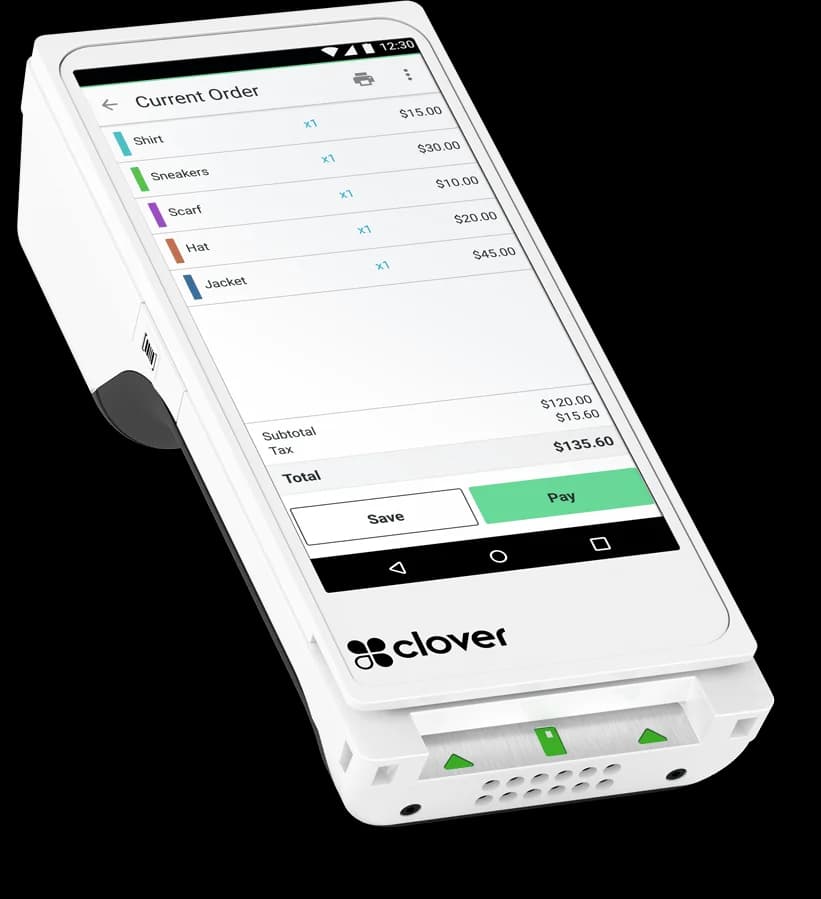
Clover Flex
Flex
Ideal for
- Food trucks
- Tableside payments
- Mobile businesses
- Field service
Key features
- Fully portable — Wi-Fi and LTE
- Built-in printer and camera for barcode scanning
- Accepts all payment types
- Long battery life for all-day use
- Same software as Station and Mini
- Perfect for mobility and events
POS Consulting FAQ
Industries We Consult For
Our POS consulting expertise spans every industry we serve.
Restaurants
Clover POS, tip management, transparent pricing, and same-day local support for Ohio restaurants.
Learn moreRetail
Fast checkout, inventory sync, fraud protection, and transparent pricing for retail and e-commerce.
Learn moreProfessional Services
Online invoicing, recurring billing, ACH payments, and secure card storage for service firms.
Learn moreTalk to a POS Specialist
Schedule a free consultation to discuss your POS needs and get a tailored recommendation.
Call or Text: 1-855-297-6722